Knowing something needs attention is only half the job.
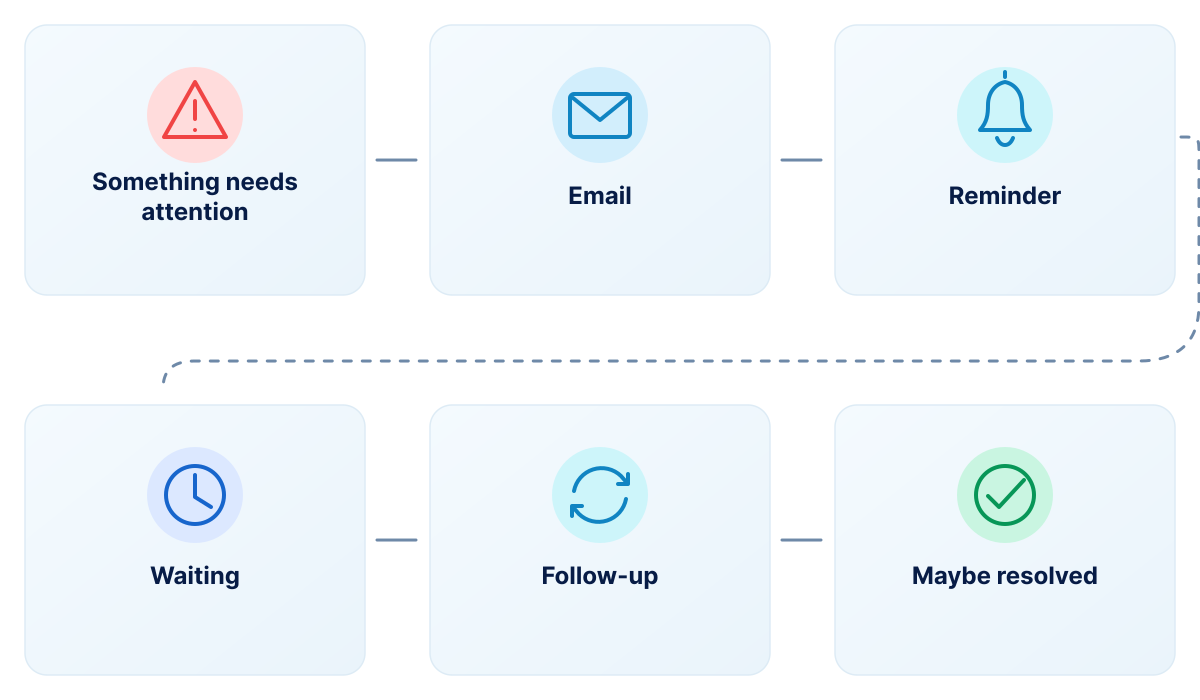
A restart gets postponed. An unused application stays installed. Low disk space goes unnoticed. And getting something done can quickly turn into reminders, emails, tickets and follow-ups.
There’s a simpler way to get things done.
The Smart Actions Experience
See it. Act on it. Get it resolved.
Smart Actions brings relevant actions directly to employees instead of leaving them to search for instructions, remember a request or wait for the next reminder.
Something needs attention — A relevant situation needs a next step.
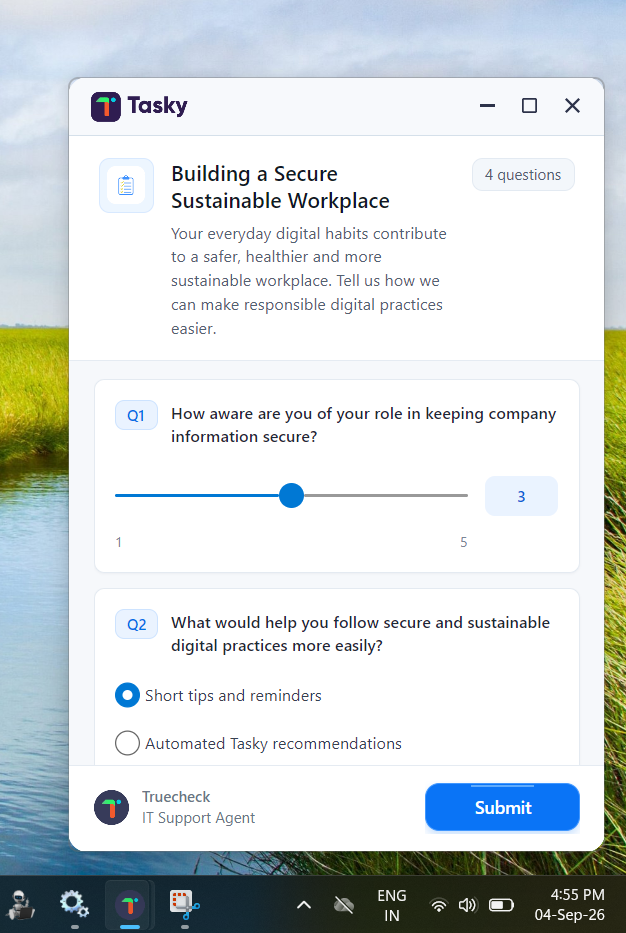
Tasky brings it to the employee — A clear message appears directly on the screen.
Take action or let Tasky handle it — The employee can choose when a decision is needed.
Confirmed and resolved — The outcome is completed and confirmed.
Three ideas behind the experience
Proactive
bring attention to the right moment instead of waiting for someone to notice.
Actionable
give employees clear options instead of sending another passive notification.
Automated
help the right next step happen, with or without an employee decision when appropriate.
Real-World Smart Actions
Small actions. Real outcomes.
01
Keep devices moving
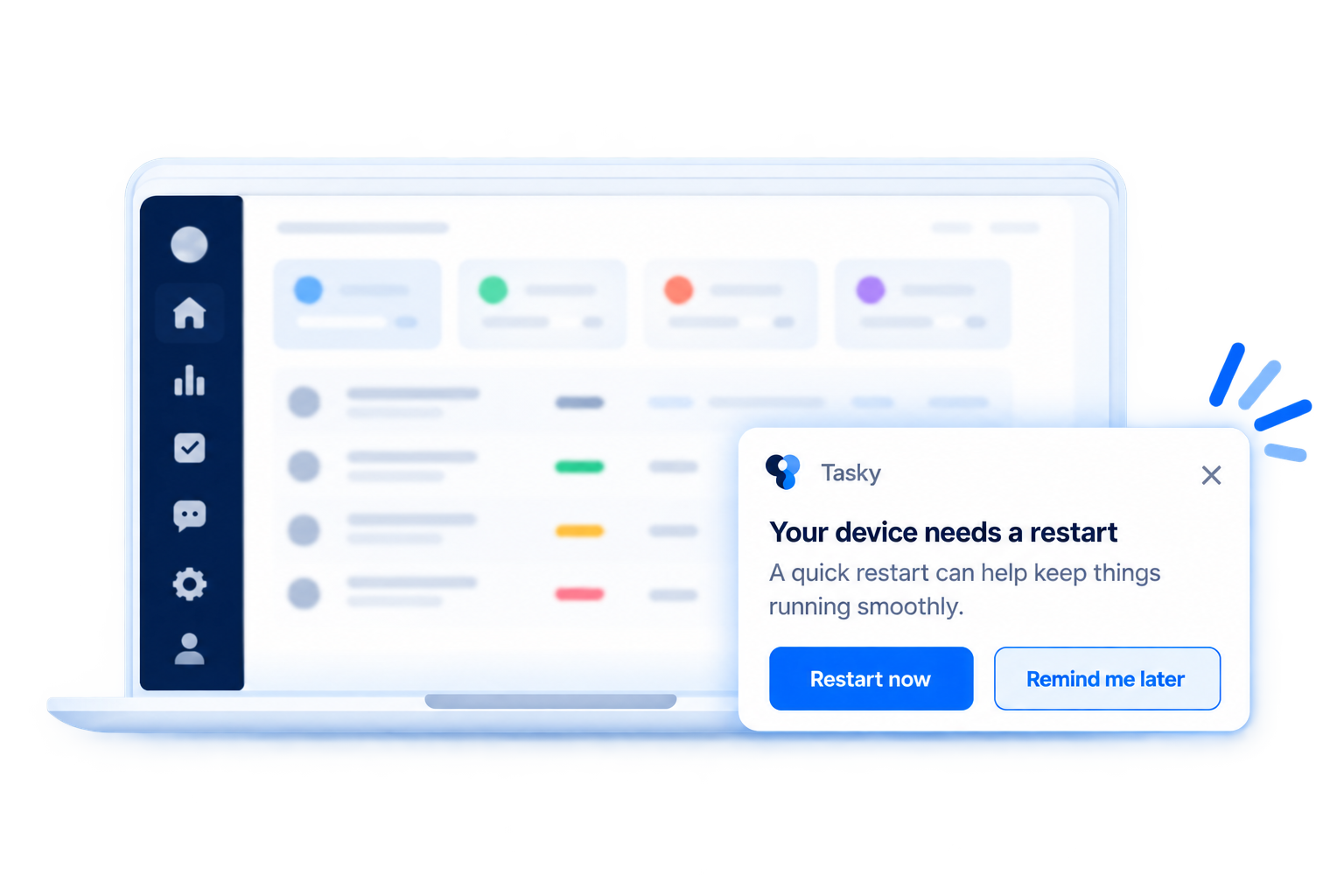
A restart when it matters. Instead of asking employees to remember to restart their devices, bring the action directly to them when it’s needed.
Example notification: Your device needs a restart. A quick restart can help keep things running smoothly.
Example options: Restart now | Remind me later
02
Reclaim software that is no longer needed
Ask before you waste another license. When an application isn’t being used, Tasky can reach out directly and give the employee a simple choice.
Example notification: Do you still need Microsoft Visio? You haven’t used it recently.
Example options: Remove Visio | I still need it
03
Solve problems before they become bigger
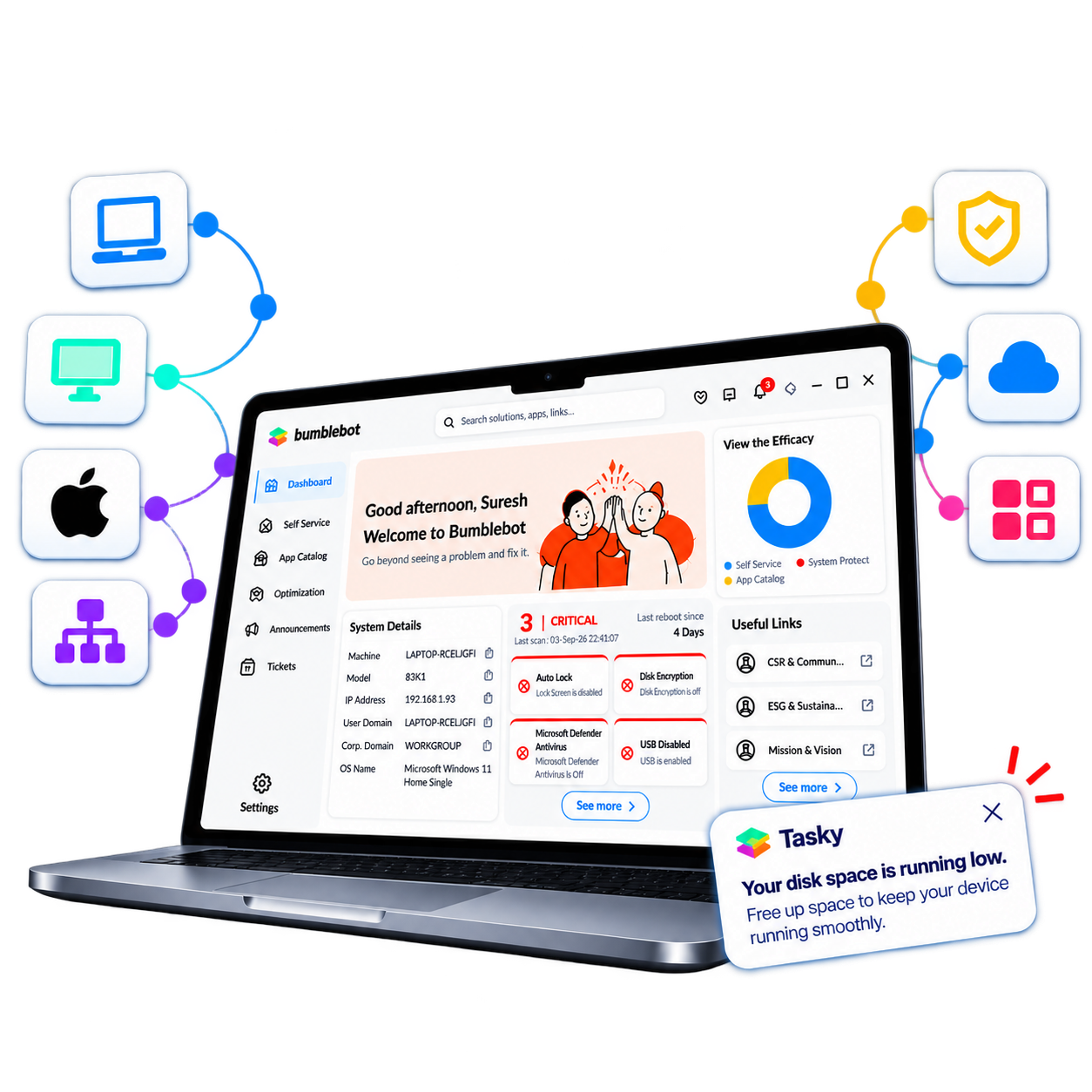
Running low on space? Take action early. When disk space is running low, bring the next step directly to the employee before it starts affecting their work.
Examplenotification: Your device is running low on available storage. Free up space now?
Example options: Free up space | Not now
Real-World Smart Actions
Small actions. Real outcomes.
01 — Keep devices moving
A restart when it matters.
Instead of asking employees to remember to restart their devices, bring the action directly to them when it’s needed.
Example notification: Your device needs a restart. A quick restart can help keep things running smoothly.
Example options: Restart now | Remind me later
02 — Reclaim software that is no longer needed
Ask before you waste another license.
When an application isn’t being used, Tasky can reach out directly and give the employee a simple choice.
Example notification: Do you still need Microsoft Visio? You haven’t used it recently.
Example options: Remove Visio | I still need it
03 — Solve problems before they become bigger
Running low on space? Take action early.
When disk space is running low, bring the next step directly to the employee before it starts affecting their work.
Examplenotification: Your device is running low on available storage. Free up space now?
Example options: Free up space | Not now
Make the Action Fit the Moment
Not every moment needs the same response.
Some situations need a quick confirmation. Some need a choice. Others simply need Tasky to take care of the next step. Smart Actions can be shaped around the situation.
The message
Make it relevant to the employee and the situation.
The timing
Bring it to them when it matters.
The choices
Give them the options that make sense.
The outcome
Help the right action happen next.
One Experience, Two Benefits
Easier for employees. Better for everyone.
For employees
Clear messages
Simple choices
Relevant actions
Confirmation when it's done
For IT
Less chasing
Better follow-through
Everyday actions handled more proactively
Visibility into what happened
Close the Loop
An action isn't complete until you know what happened.
Tasky can show employees when an action has been completed while giving IT visibility into what happened along the way.
Experience sequence
Something needs your attention → Action in progress → Done
The employee receives confirmation, while the outcome can be recorded for visibility and reporting.
Close the Loop
An action isn't complete until you know what happened.
Tasky can show employees when an action has been completed while giving IT visibility into what happened along the way.
Tasky
Something needs your attention
Tasky
Action in progress
Tasky
Done
Tasky can show employees when an action has been completed while giving IT visibility into what happened along the way.
Make the next step easier.
Bring relevant actions directly to employees and turn everyday moments that need attention into outcomes.